



Johnny Cash Railroad Illustration Cut File For Music Tribute Shirts
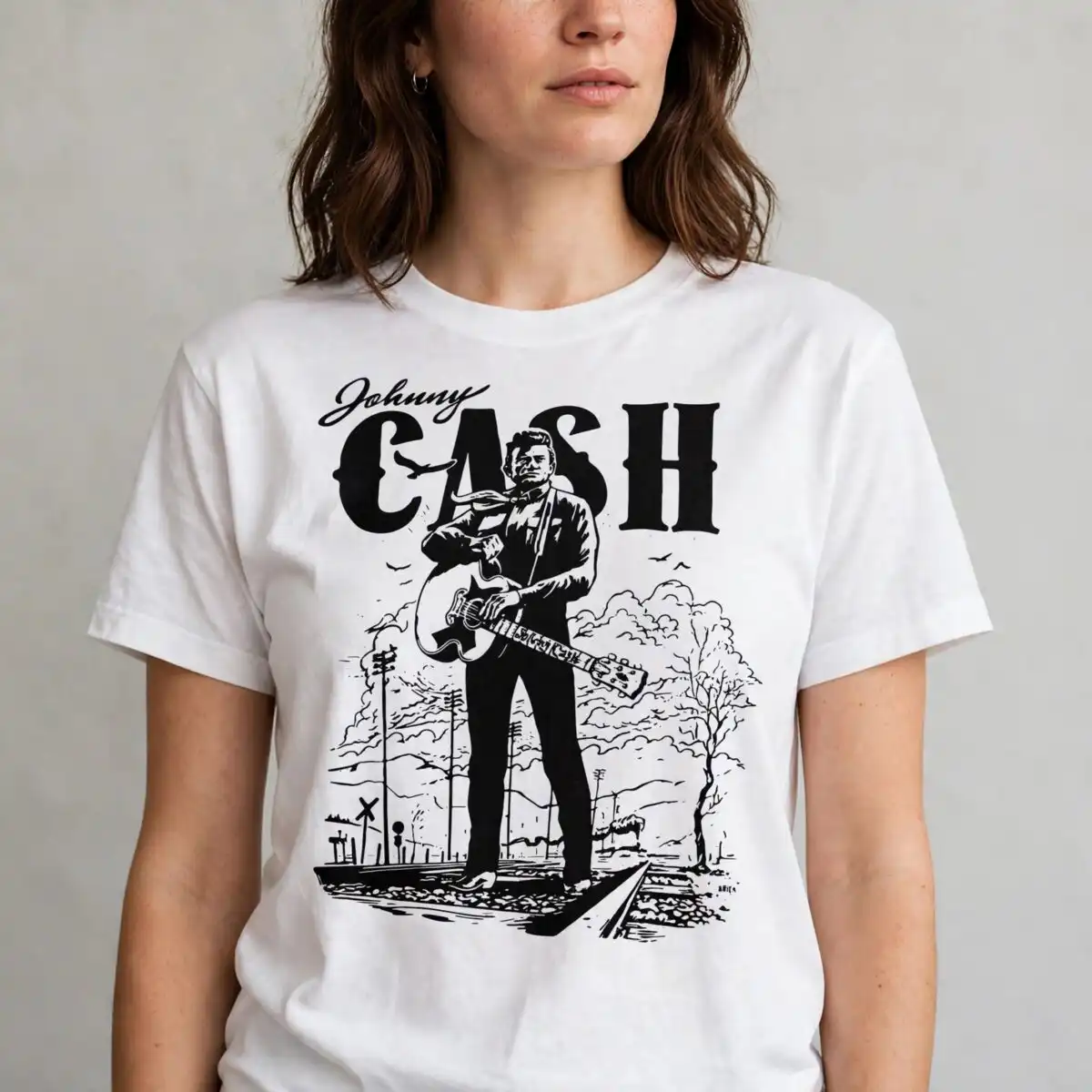
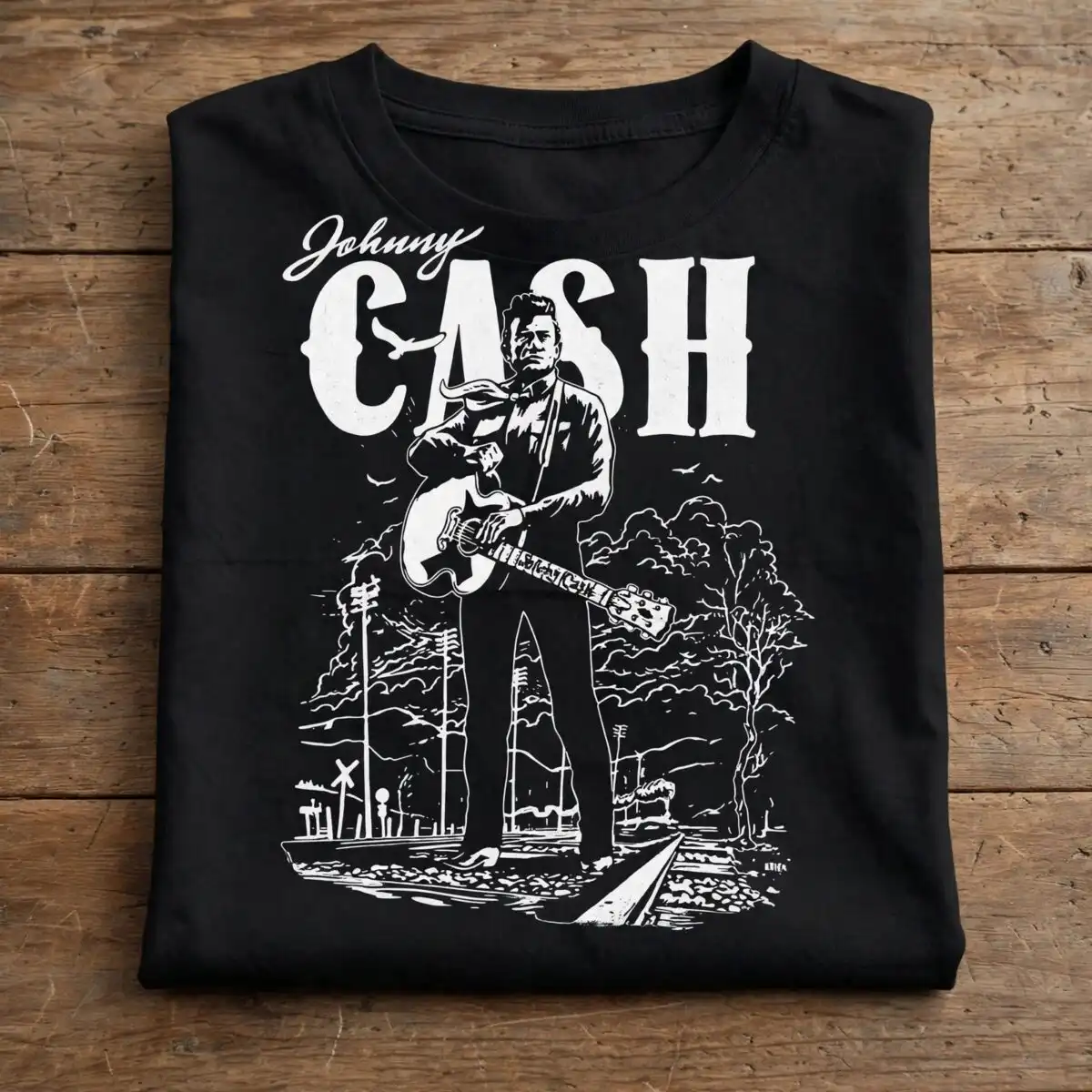
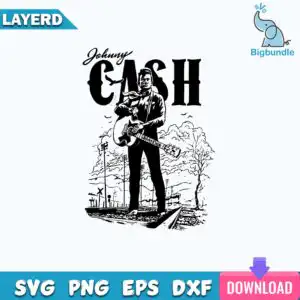
This Johnny Cash design is a single vintage illustration graphic that gives you SVG, PNG, DXF, EPS, and PDF files made for cutting and printing shirts, posters, decals, and tote bags. You get the bold script lettering that reads Johnny on top of CASH, a man in a suit holding an acoustic guitar standing on railroad tracks, plus utility poles, clouds, birds, and a railroad crossing sign rendered in solid black and white for a rugged, nostalgic look that cuts clean for country fans.
Design breakdown
This is a single vertical design cut in 2 layers in black and white on a solid white background. The silhouette and bold typography elements have medium complexity with clean edges around the guitar, tracks, and lettering, so it cuts best at 4 inches or larger without tiny weeding.
| Layers | 2 |
|---|---|
| Colours | 2 — black (#000000), white (#FFFFFF) |
| Lettering | Johnny / CASH |
| Background | solid white |
| Cut complexity | medium |
| Orientation | vertical |
What’s included
- SVG
- PNG (300 dpi, transparent)
- DXF
- EPS
Works with
- Cricut Design Space
- Silhouette Studio (Designer Edition)
- Brother ScanNCut
- Adobe Illustrator
- Inkscape
- CorelDRAW
How to use
Unzip the folder and import the file type you need. Open SVG or DXF in Cricut Design Space, Silhouette Studio Designer Edition, or Brother ScanNCut, or open PNG in your sublimation setup. Resize, mirror if needed, and cut.
Licence
Personal and small-business commercial use. Sell finished physical items; do not resell or redistribute the files themselves.
FAQ
What files are included with this design?
You get SVG, PNG at 300 dpi with transparent background, DXF, EPS, and PDF in one zip. All five formats are the same artwork ready to use.
Can I use this Johnny Cash design on a t-shirt or tote bag?
Yes, it is made for t-shirts, tote bags, posters, stickers, and decals. The bold black and white art works well on dark and light cotton and canvas.
What cutting machines does it work with?
It works with Cricut Design Space, Silhouette Studio Designer Edition, Brother ScanNCut, Adobe Illustrator, Inkscape, and CorelDRAW. Use SVG for most cutters and DXF for older Silhouette versions.
Can I resize it and sell what I make?
Yes, you can resize it as needed and keep the proportions. You can sell finished physical items you make. You cannot resell or share the digital files themselves, per the personal and small-business commercial licence.


