
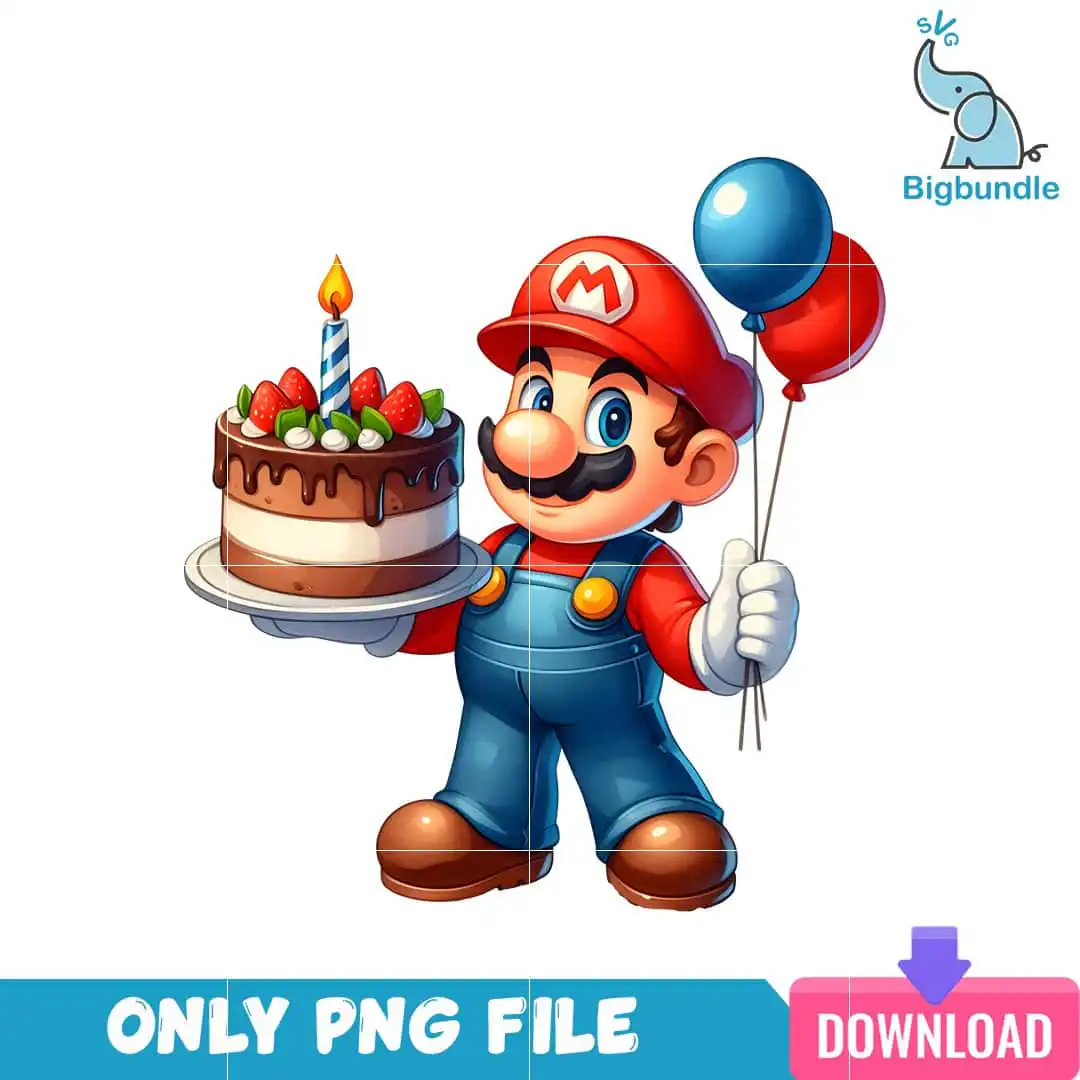
Mario Holding a Birthday Cake with Balloons PNG for Sublimation and Party Prints
This birthday cake image PNG shows Mario from Super Mario holding a birthday cake with a lit candle, strawberries and chocolate drip frosting, with a blue balloon and a red balloon tied to his hand. You receive one single PNG file with a transparent background, made for sublimation printing on shirts, tumblers and mugs, as well as for stickers, cards and scrapbook pages. The character wears his red cap with the white M emblem, blue overalls, white gloves and brown shoes, and his cake sits on a plain cake stand plate. Because the design is one layer of cartoon artwork on white, you can place it on light or dark fabric and print it without a white border around Mario. Each element is clearly separated, so the cake, balloons and Mario’s cap read clearly at party size. Use it to make a birthday shirt for a kid, a party banner, or a tumbler for a gamer friend.
Design breakdown
This is a single cartoon design with a white background and a transparent PNG export, delivered as one image rather than a bundle. It uses eight colours: red, blue, brown, white, skin tone, yellow, strawberry pink-red and green. Mario’s cap, overalls and balloons are shown in red and blue, his shoes and the cake stand use brown, and the cake is decorated with strawberries and chocolate drip frosting, with a lit candle on top. The lettering in the design is the white M emblem on his red cap. The artwork is built in 12 layers, so it can be cut in layers for vinyl or stencil work, and it has medium cut complexity, so fine details such as the candle flame and the gloves are best cut at 4 inches or larger.
| Colours | 8 — red (#D92B25), blue (#2E7FC4), brown (#7A4A2B), white (#FFFFFF), skin tone (#F2B8A0), yellow (#F5C518) |
|---|---|
| Lettering | ONLY PNG FILE / DOWNLOAD / M (cap emblem) |
| Background | white |
| Orientation | portrait |
What’s included
- PNG (300 dpi, transparent background)
Works with
- Sublimation printers (Epson, Sawgrass)
- DTF / print-and-cut workflows
- Canva
- Adobe Photoshop
How to use
Download the ZIP file from your order and unzip it to a folder on your computer. Open the PNG in Canva, Adobe Photoshop or your sublimation software, then resize it to your blank. Keep the transparent background intact and print at full resolution. For a shirt or mug, mirror the image if your workflow requires it, then press or wrap the blank according to your printer’s settings.
Licence
Personal and small-business commercial use. Sell finished physical items; do not resell or redistribute the files themselves.
FAQ
What files do I get with this birthday cake image PNG?
You get one PNG file at 300 dpi with a transparent background. The file is named for the Mario birthday cake design and includes no other images.
Can I use this Mario design on a 20oz tumbler?
Yes, the artwork suits a 20oz tumbler when printed at full size for sublimation. Resize it to the wrap area first so Mario, the cake and the balloons sit fully within the printable zone.
Which printers and software work with this PNG?
It works with Sublimation printers such as Epson and Sawgrass, and with DTF and print-and-cut workflows. You can open it in Canva or Adobe Photoshop to resize and arrange it before printing.
Can I resize the file and sell finished products made with it?
Yes, you can resize the PNG freely, and it is licensed for personal and small-business commercial use. You may sell finished physical items such as shirts and mugs, but you may not resell or redistribute the PNG file itself.


