
Mario Keep Calm and Shamrock On St. Patrick’s Day PNG Design for Sublimation Shirts and
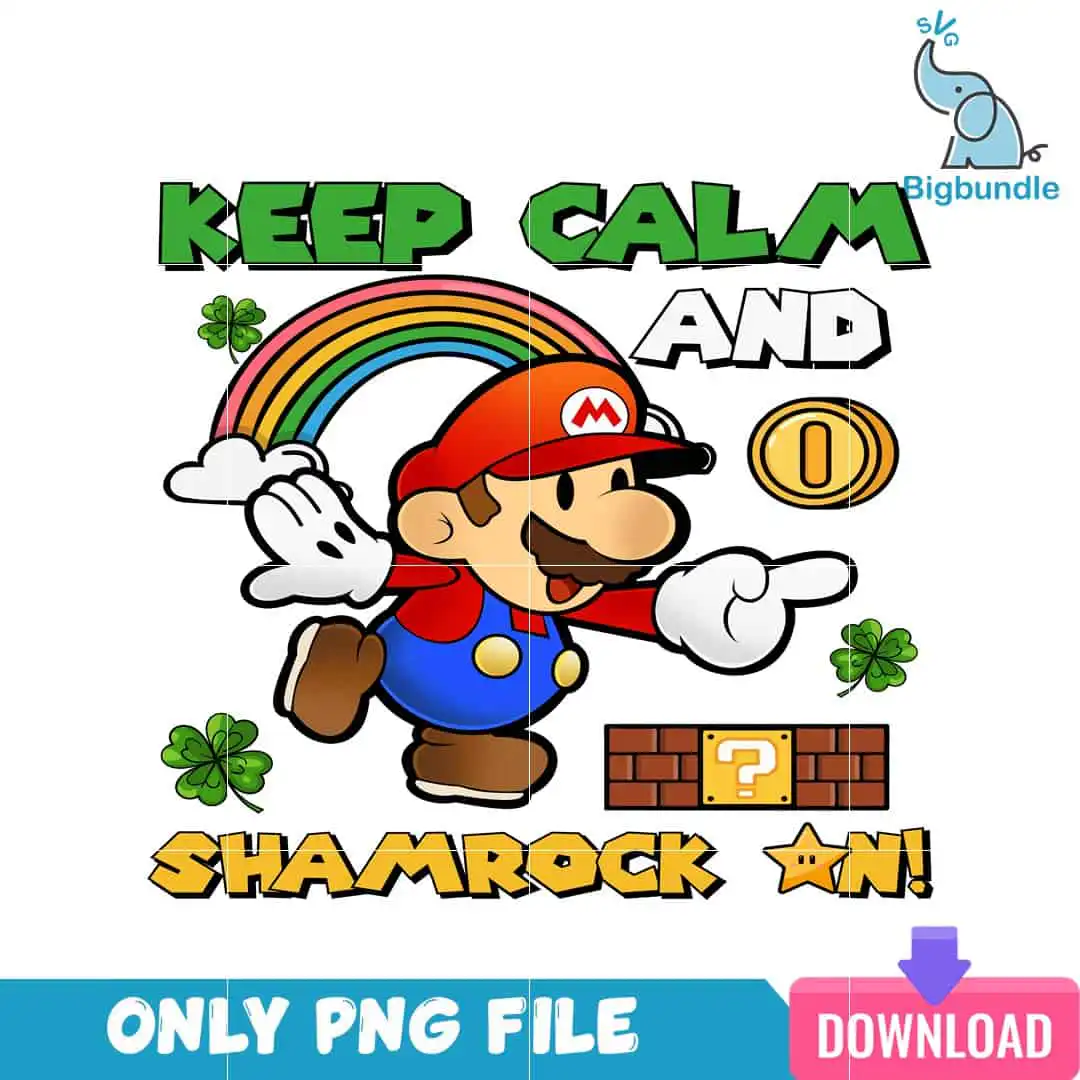
This Keep Calm PNG is a single Super Mario St. Patrick’s Day design with the lettering “KEEP CALM AND SHAMROCK ON!” across the top. You get one PNG file with a transparent background, made for sublimation printing, shirts, mugs, and tote bags. The artwork shows the Mario character in a red cap with an M emblem, blue overalls, and white gloves, set against a rainbow, a white cloud, and four-leaf clovers. Green, red, blue, and gold yellow dominate the palette, with brown and white for detail. Mario’s brick block with a question mark block and a gold star add the retro video game feel. It suits gamers, kids, and fans of Mario who want a cheerful spring look for March 17th. Because the file has a transparent background, it sits cleanly on light or dark fabric once printed.
Design breakdown
The design is a square, single-sheet artwork with white as the background colour, supplied as one PNG at 300 dpi with a transparent background. It uses six colours: green, red, blue, gold yellow, white, and brown. The main elements are the Mario character in a red cap with an M emblem, blue overalls, brown shoes, and white gloves; a rainbow; a white cloud; a gold coin; a brick block with a question mark block; four-leaf clovers; and a gold star. The lettering reads “KEEP CALM” on the first line, “AND” in the middle, and “SHAMROCK ON!” below. The artwork is rated medium for cutting, with bold outlines and fine details around the clovers and the cap emblem, so cut it at 4 inches or larger if you plan to vinyl cut it.
| Colours | 6 — green (#2E9E3A), red (#D92B2B), blue (#2B5FD9), gold yellow (#F2C21B), white (#FFFFFF), brown (#7A4A2B) |
|---|---|
| Lettering | KEEP CALM / AND / SHAMROCK ON! |
| Background | white |
| Orientation | square |
What’s included
- PNG (300 dpi, transparent background)
Works with
- Sublimation printers (Epson, Sawgrass)
- DTF / print-and-cut workflows
- Canva
- Adobe Photoshop
How to use
Download the ZIP file from your order and unzip it to a folder on your computer. Open the PNG in Canva, Adobe Photoshop, or your sublimation software, then import it into your design layout. Resize the artwork with the corners held to keep the proportions even. For sublimation, print on sublimation paper with your Epson or Sawgrass printer, then press onto your blank. For vinyl or DTF, follow your cutting or transfer software steps.
Licence
Personal and small-business commercial use. Sell finished physical items; do not resell or redistribute the files themselves.
FAQ
What files are included with this design?
You get one PNG file at 300 dpi with a transparent background. The file is ready to import into Canva, Photoshop, or your sublimation software.
Can I use this Mario design on a 20oz tumbler?
Yes, the square design can be sized for a 20oz tumbler wrap in your sublimation software. Resize it proportionally, then print on sublimation paper and press it onto the tumbler.
Which printers and programs does this PNG work with?
It works with sublimation printers such as Epson and Sawgrass, DTF and print-and-cut workflows, Canva, and Adobe Photoshop. Import it as a standard PNG and resize it before printing.
Can I sell shirts made with this design?
Yes, the licence covers personal and small-business commercial use for finished physical items. You may not resell or redistribute the PNG file itself.





