

I Put The She In Shenanigans St Patrick’s Day Shirt Design, Emerald Green and White Cut
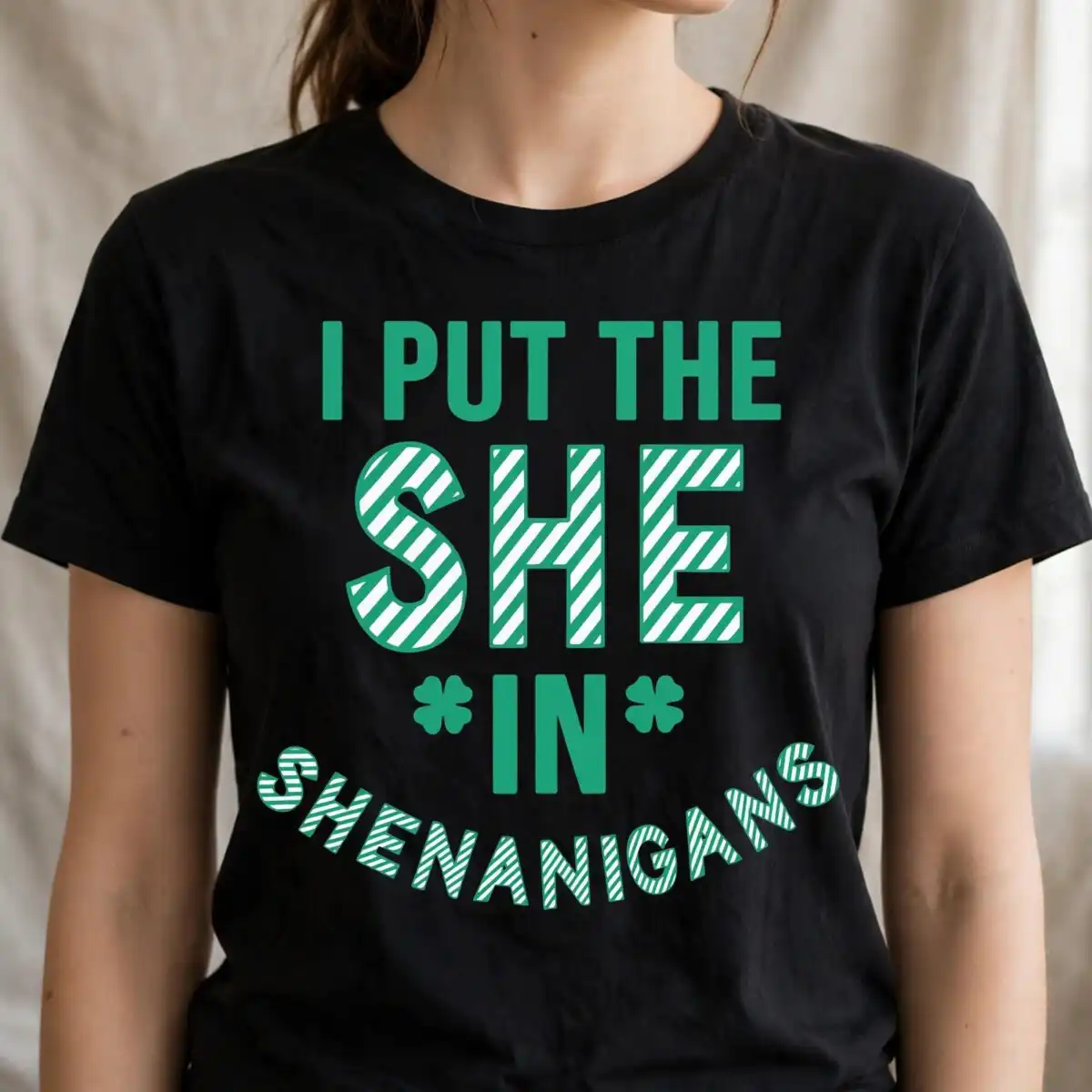
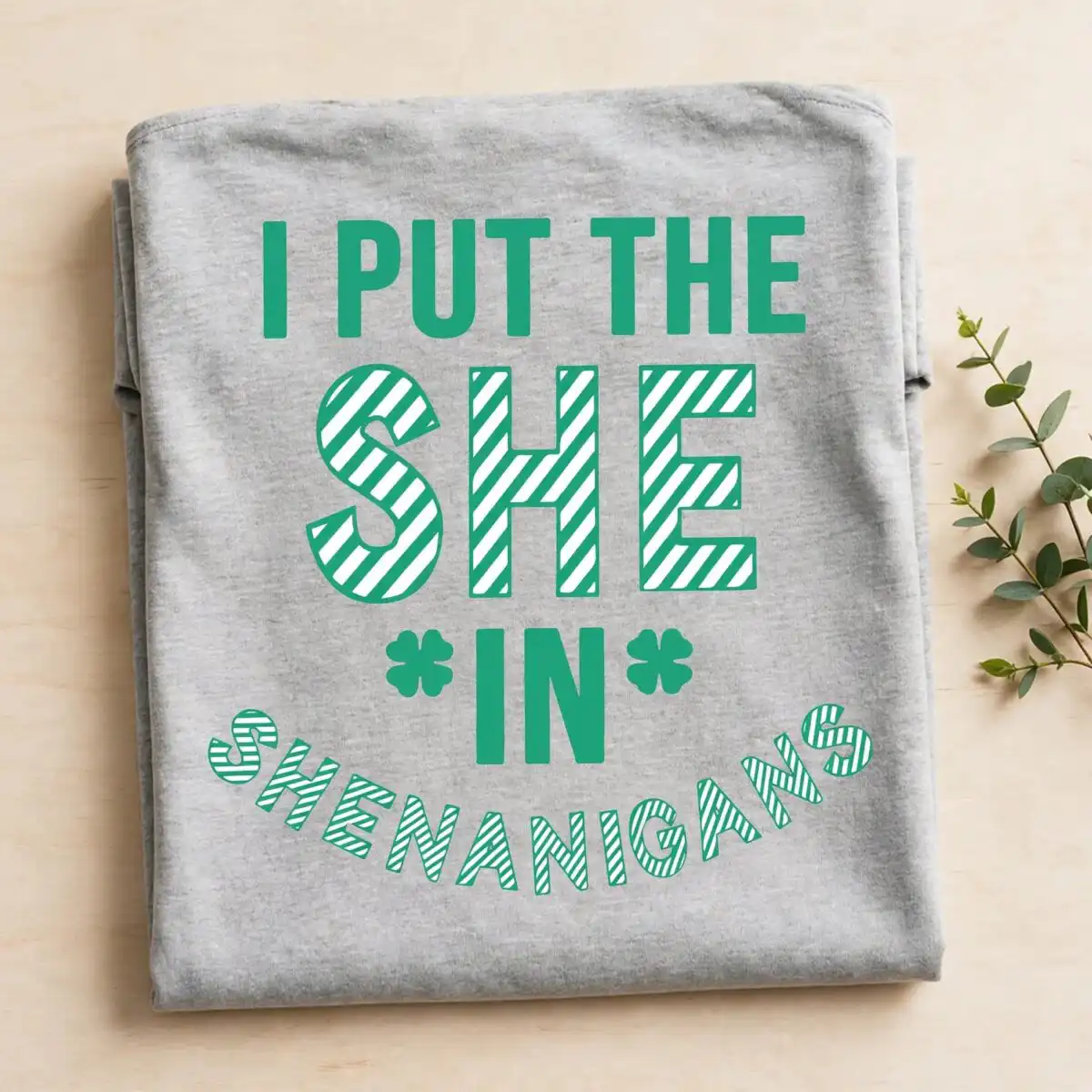
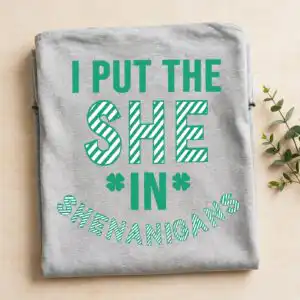
This I Put The She In Shenanigans St Patrick’s Day design is a single quote graphic in bold sans-serif lettering, with the words “I PUT THE” arched above “SHE” and “IN SHENANIGANS” below. Two shamrock clovers sit in the design, and it is built in emerald green and white with a diagonal striped fill. You get the files as SVG, PNG at 300 dpi with a transparent background, DXF, EPS and PDF, ready for a cutting machine or a print workflow. The artwork suits shirts, mugs, tote bags, decals and signs, so you can make a playful St. Patrick’s Day piece for yourself or a friend. Because the lettering is the centrepiece, it reads clearly on light or dark fabric and on painted boards. Open the files in your software and the emerald shamrocks and white lettering will stay exactly as drawn.
Design breakdown
The design is a flat vector quote cut in 3 layers, using two colours: emerald green and white. The lettering is set in bold sans-serif with an arched line of text, and the fill uses a diagonal stripe pattern. Two shamrock clover shapes accompany the words. Because the design is square and uses only two colours, it works well for single-colour vinyl cutting or for layered projects where each colour is cut separately. The cut is medium in complexity, so the thin gaps between stripes and letters are best cut at a size where weeding is comfortable.
| Layers | 3 |
|---|---|
| Colours | 2 — emerald green (#2A9D6F), white (#FFFFFF) |
| Lettering | I PUT THE / SHE / IN / SHENANIGANS |
| Background | white |
| Cut complexity | medium |
| Orientation | square |
What’s included
- SVG
- PNG (300 dpi, transparent)
- DXF
- EPS
Works with
- Cricut Design Space
- Silhouette Studio (Designer Edition)
- Brother ScanNCut
- Adobe Illustrator
- Inkscape
- CorelDRAW
How to use
Download the zip file from your order and unzip it to a folder on your computer. Open Cricut Design Space, Silhouette Studio, Brother ScanNCut or your preferred software, then use the Upload or Import option to select the SVG file. Check the layers before cutting, and resize the design to your project. For printing, use the PNG file, which has a transparent background.
Licence
Personal and small-business commercial use. Sell finished physical items; do not resell or redistribute the files themselves.
FAQ
What files come with this St. Patrick’s Day design?
You get SVG, PNG at 300 dpi with a transparent background, DXF, EPS and PDF files. The SVG is the one to use for cutting machines, while the PNG suits printing and sublimation.
Can I put this shamrock quote on a t-shirt or a mug?
Yes, the design suits both shirts and mugs. Use the PNG for printed transfers or sublimation, and the SVG if you plan to cut it from vinyl for a shirt or mug decal.
Which machines and programs does this file work with?
It works with Cricut Design Space, Silhouette Studio (Designer Edition), Brother ScanNCut, Adobe Illustrator, Inkscape and CorelDRAW. Any of these can open the SVG, DXF or EPS files directly.
Can I resize the design and use it for my small business?
Yes, the files can be resized in your software without losing quality because they are vector artwork. The licence covers personal and small-business commercial use for finished physical items, but you may not resell or redistribute the files themselves.





