
Shark Cartoon PNG Cowboy Shirt Design for Western Birthday Parties and Everyday Gifts
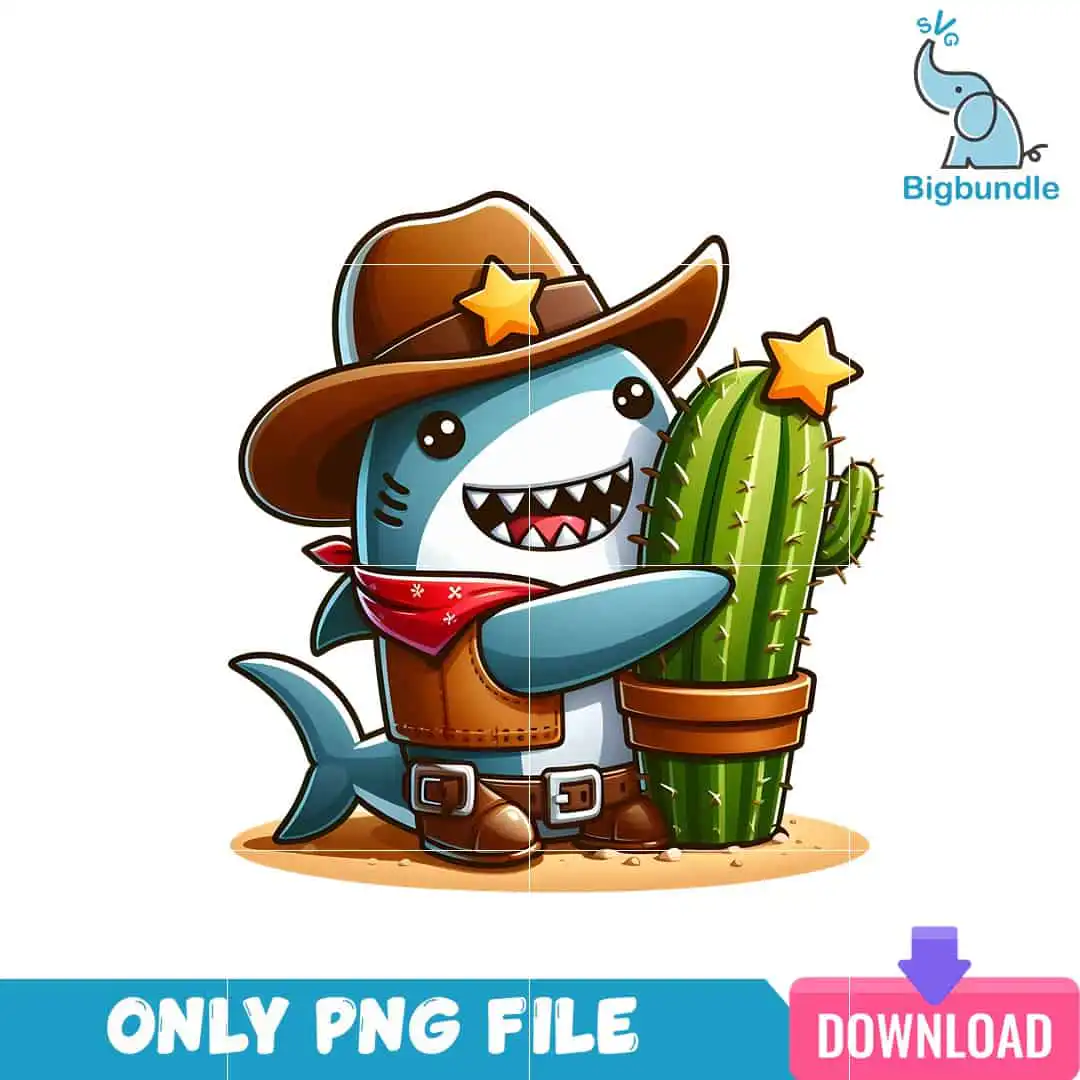
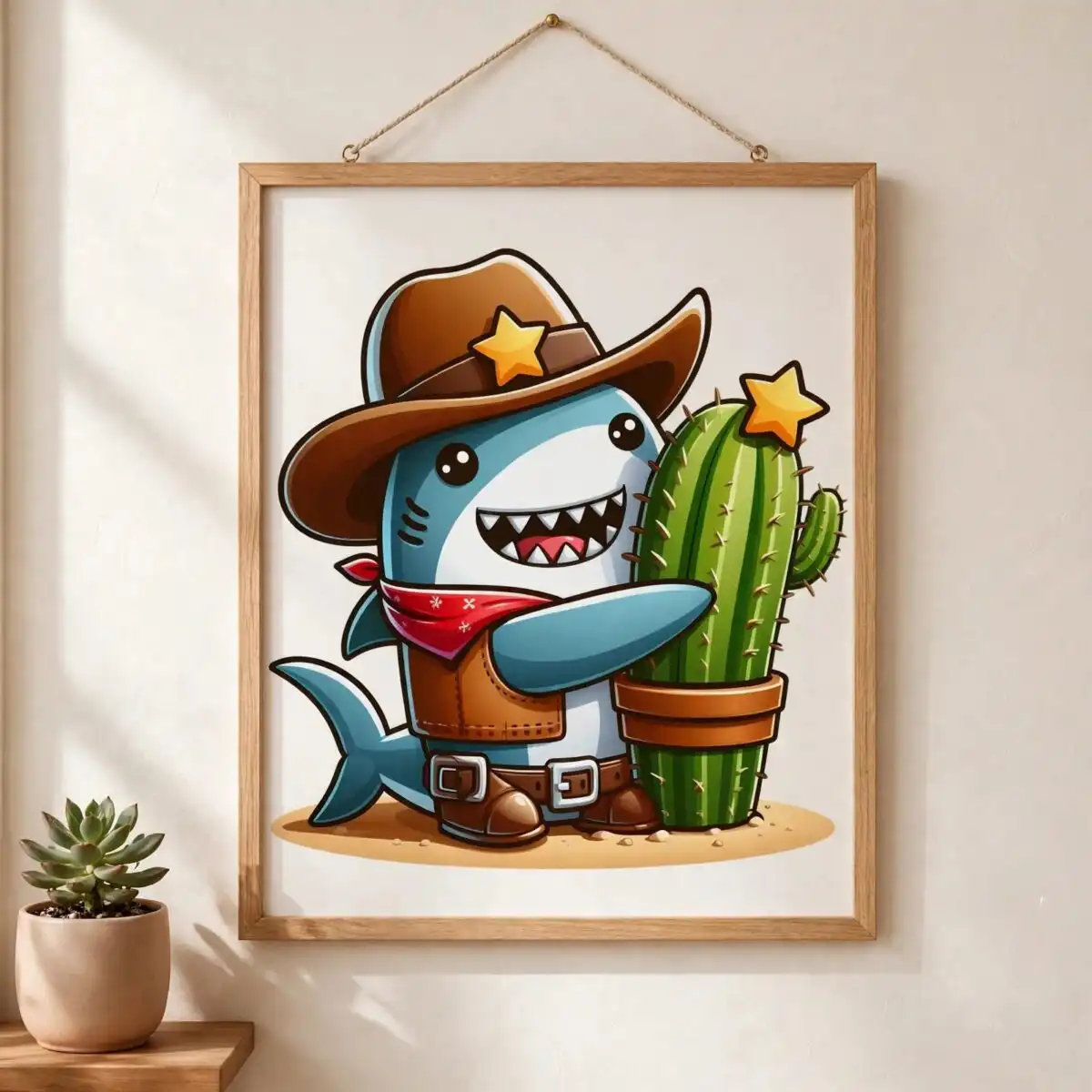
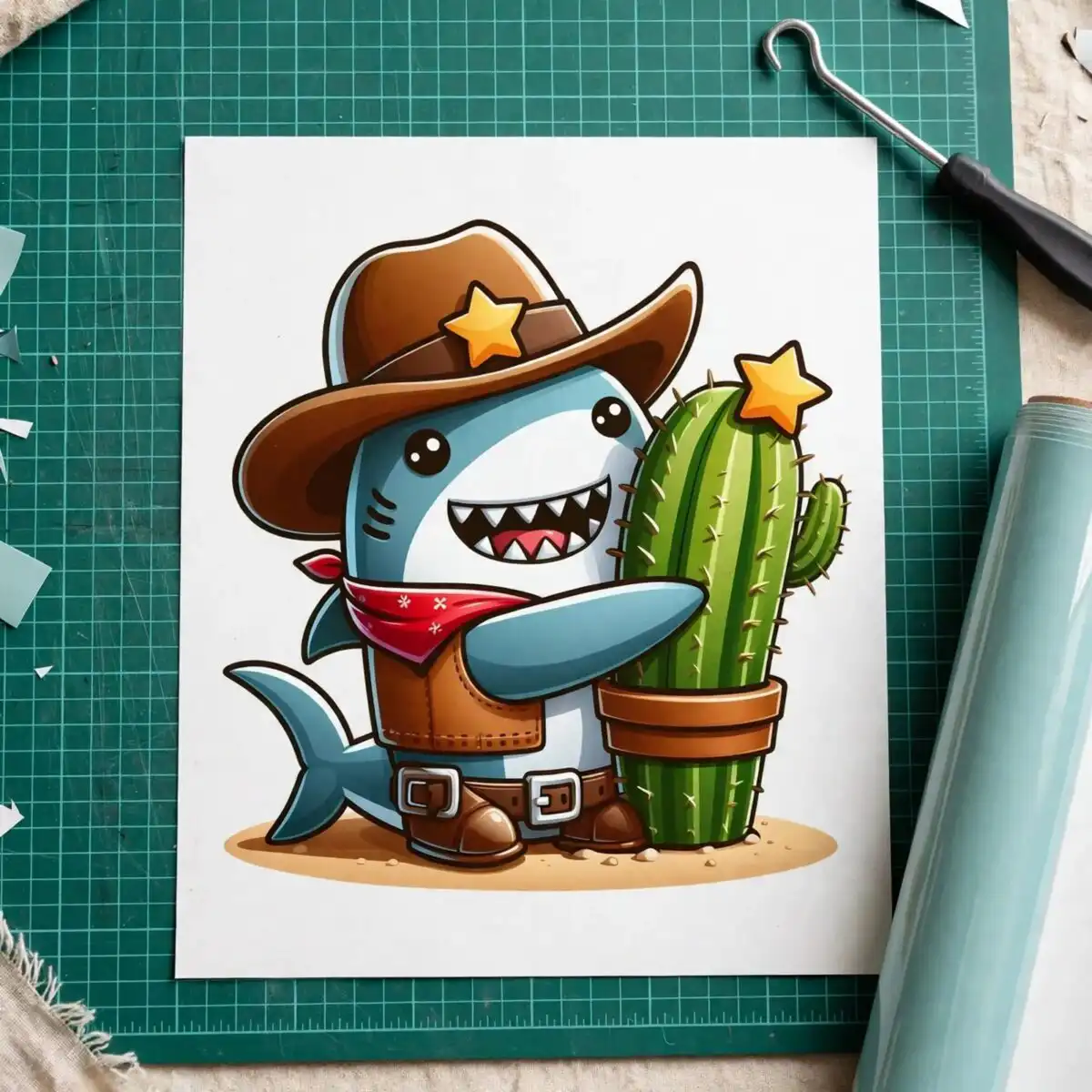
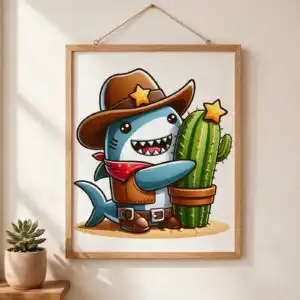
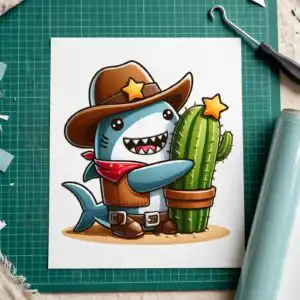
This Shark Cartoon PNG is a single cartoon shark dressed as a cowboy, hugging a potted cactus, delivered as a transparent-background PNG for sublimation, DTF and print-and-cut projects. The shark wears a cowboy hat with a gold star badge, a red bandana and a brown vest, and it is drawn in shark blue with cowboy brown, bandana red, star gold and cactus green accents. Its bold black outlines and flat shading keep the character readable on light fabric, mugs and tumblers. Because the file is a PNG with no background, you can place the shark on a shirt, wrap it around a tumbler or drop it into a Canva layout without trimming the edges first. The design suits birthday invitations, western-themed party favours and playful everyday gifts for kids, teens and adults who enjoy goofy humour. The shark’s tail, fin, belt buckle and boots are all included in the artwork.
Design breakdown
The artwork is a single portrait-orientation character with no text, cut in 3 layers. Its palette is nine colours: shark blue for the body and fin, white for the belly and eye details, cowboy brown for the hat, vest and boots, bandana red for the neckerchief, star gold for the hat badge and the star on the cactus, cactus green for the plant, terracotta for the pot, sand beige for the mound the shark stands on, and black for the outlines and eyes. The cactus, sand mound, belt with silver buckle and shark tail are separate elements in the composition. The file has a transparent background, so only the character and its props are present. Fine details such as the eyes and star badges are best cut at 4 inches or larger.
| Colours | 9 — shark blue (#5B9BC4), white (#FFFFFF), cowboy brown (#8B5A2B), bandana red (#C0392B), star gold (#F4C430), cactus green (#3E8E41) |
|---|---|
| Lettering | no lettering |
| Background | white |
| Orientation | portrait |
What’s included
- PNG (300 dpi, transparent background)
Works with
- Sublimation printers (Epson, Sawgrass)
- DTF / print-and-cut workflows
- Canva
- Adobe Photoshop
How to use
Download the ZIP file and unzip it to a folder on your computer. Open your design software, such as Canva, Adobe Photoshop or your sublimation software, and import the PNG file. Because the background is transparent, the shark will sit directly on your blank. Resize it to fit your product, check the placement, and then print or cut as your workflow requires.
Licence
Personal and small-business commercial use. Sell finished physical items; do not resell or redistribute the files themselves.
FAQ
What files are included with this shark cartoon cowboy design?
You receive one PNG file at 300 dpi with a transparent background. The download arrives as a ZIP, so unzip it before importing the file into your software.
Can I put this cowboy shark on a 20oz tumbler?
Yes, the shark works well on a 20oz tumbler wrap because the design is a single character with a transparent background. Resize it so the cactus and shark fit the wrap area and print it with a sublimation printer.
Which printers and software does this PNG work with?
It works with sublimation printers such as Epson and Sawgrass, with DTF and print-and-cut workflows, and with Canva and Adobe Photoshop. Any software that imports PNG files with transparency will open it.
Can I resize the design and sell the finished shirts?
Yes, you can resize the PNG for your project. The licence covers personal and small-business commercial use, so you can sell finished physical items, but you may not resell or redistribute the files themselves.


