
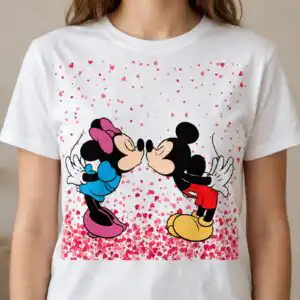
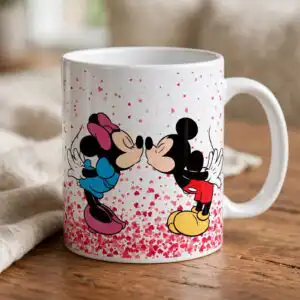
Two Hands Cartoon PNG Valentine’s Day Kissing Mouse Couple Artwork for Shirts and Tumblers
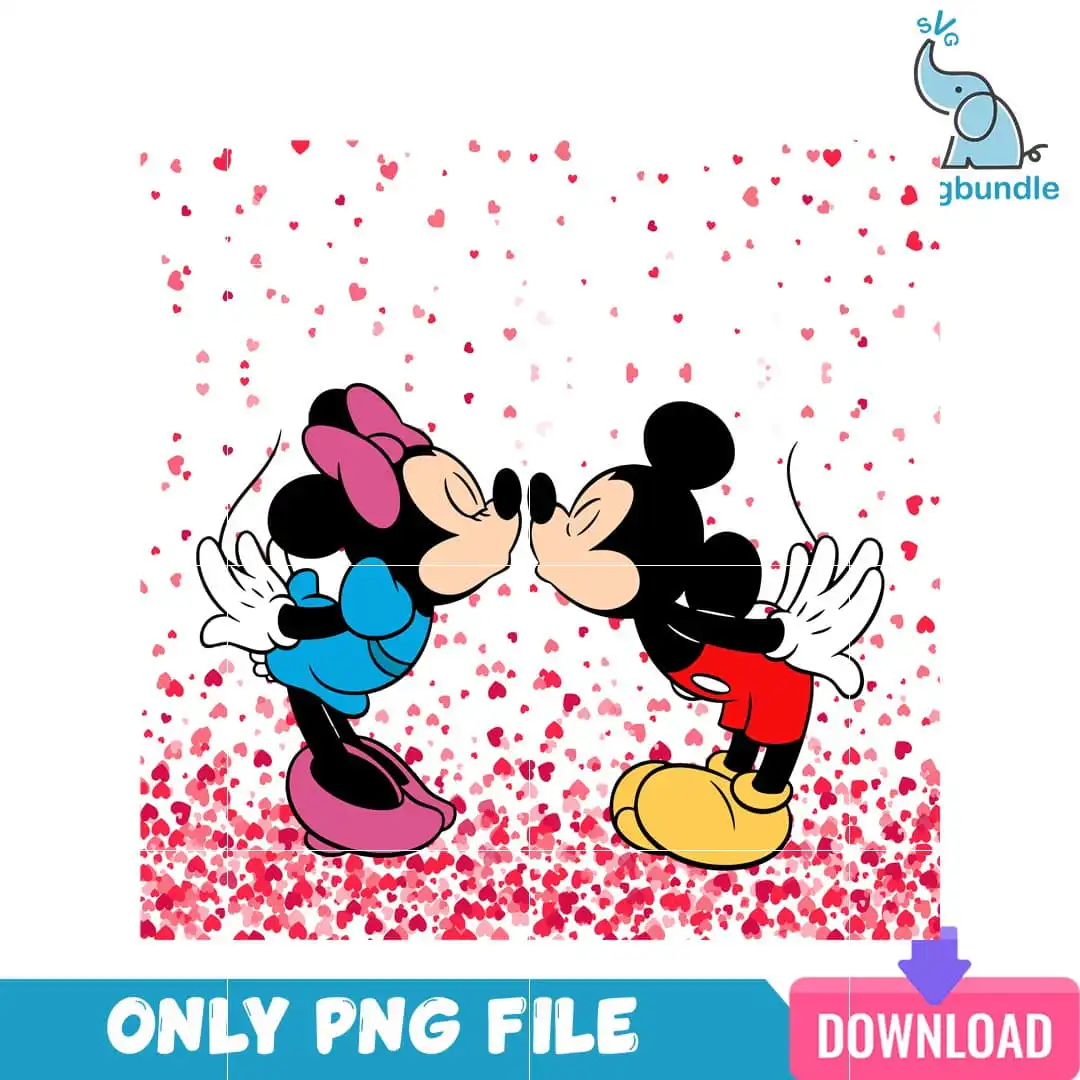
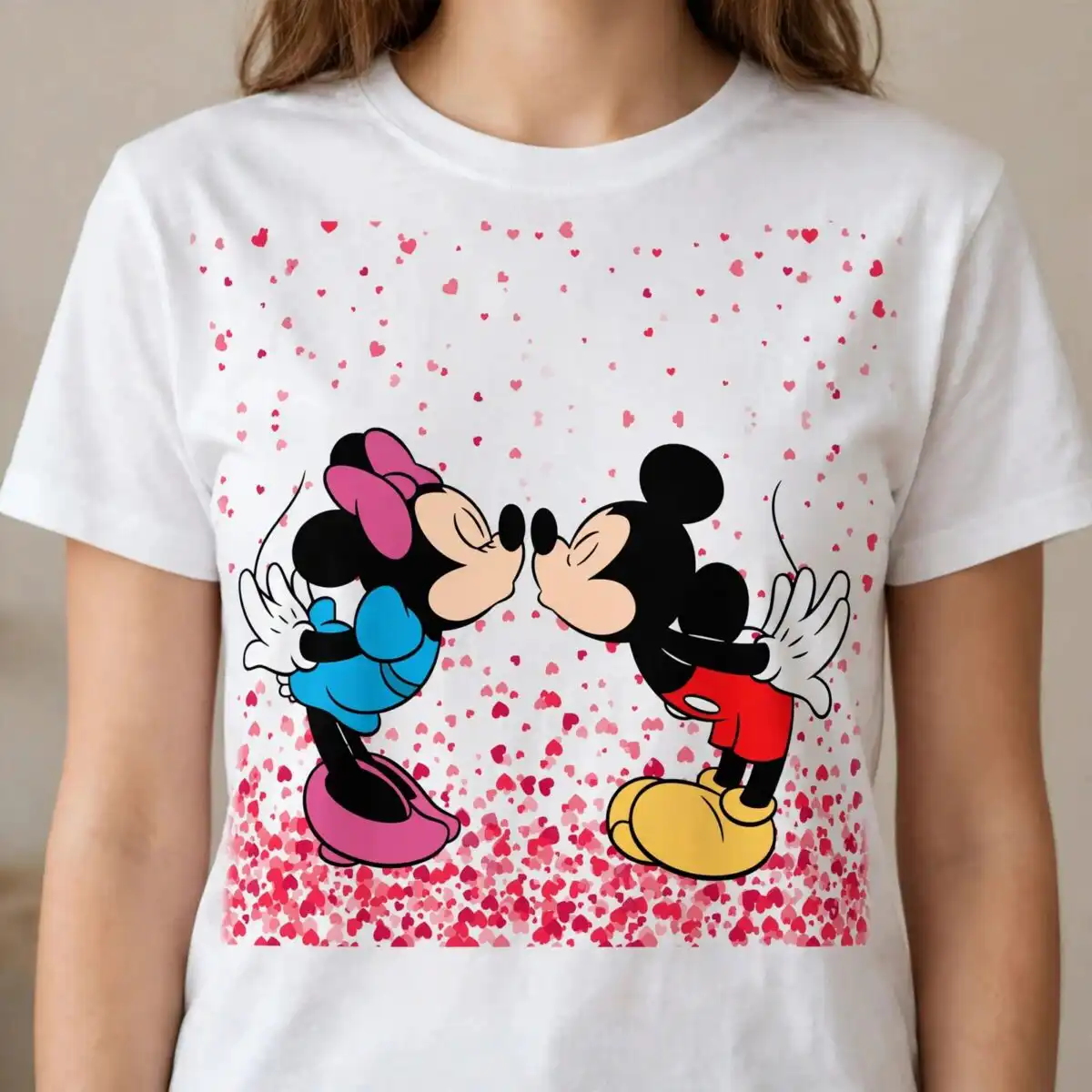
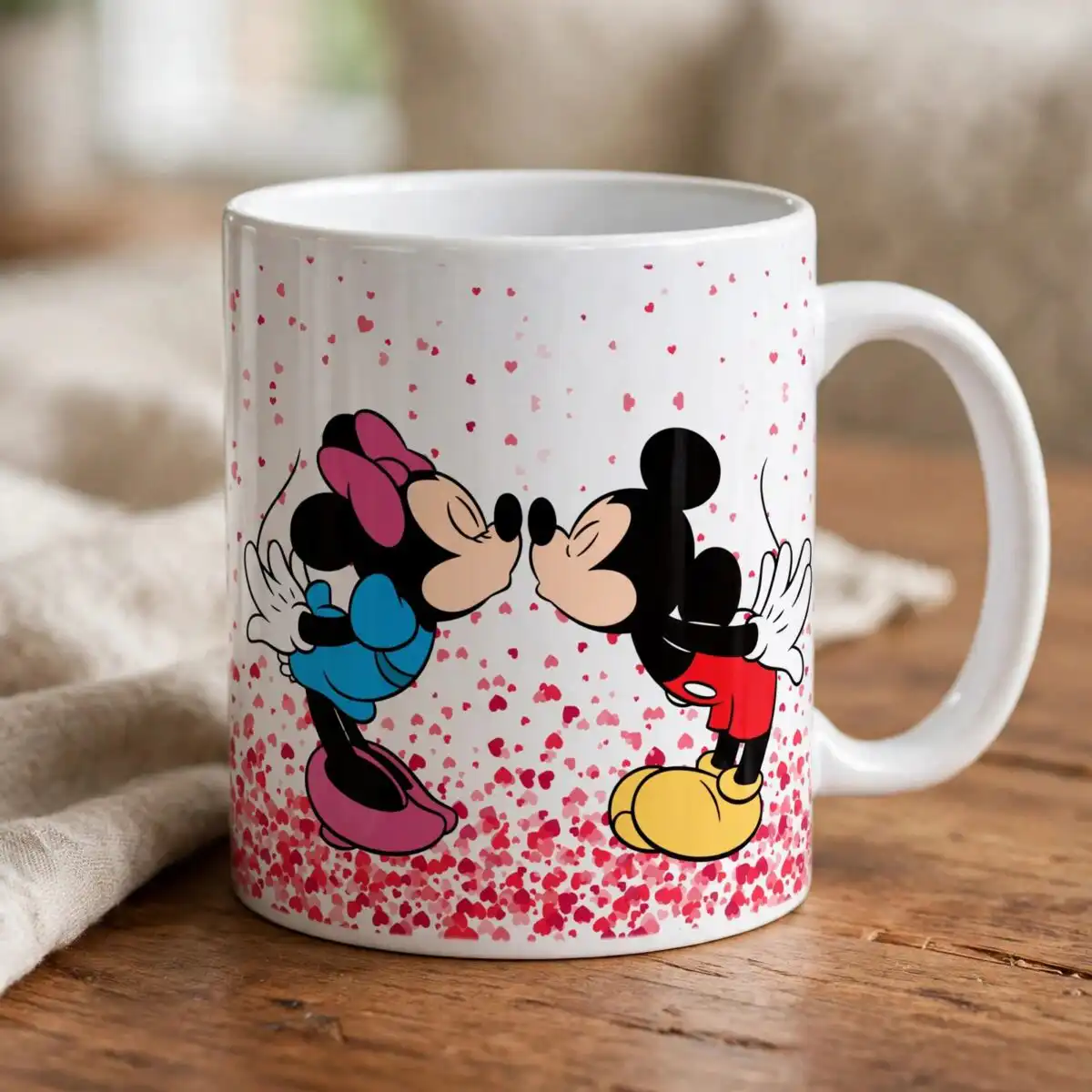
This Two Hands Cartoon PNG design is a single Valentine’s Day artwork of two cartoon mouse-like figures in a kissing pose, delivered as a PNG file with a transparent background. You get one artwork in raspberry pink, red, sky blue, yellow and black, set against scattered red and pink hearts. One figure wears a pink bow and a blue outfit with pink shoes, while the other has a black head, round ears, red shorts and large yellow shoes. Their white gloved hands meet in the middle, and a small blue elephant logo and a pink download arrow sit within the piece. The artwork is made for sublimation printing, DTF and print-and-cut projects, so you can put it on shirts, tumblers, mugs or stickers. It works in Canva and Adobe Photoshop, and the file is intended for personal and small-business use on finished physical items. Each file is delivered as a PNG, and the lettering in the piece reads ONLY PNG FILE, DOWNLOAD and svgbundle in small print.
Design breakdown
This is a single square design on a white background, delivered as one PNG with a transparent background at 300 dpi. It is built from vector clip-art shapes in flat colour, using eight colours: white, raspberry pink, red, black, sky blue, yellow, light pink and a teal banner. The artwork is cut in 12 layers, with the two cartoon figures, their shoes, gloved hands, scattered hearts, small blue elephant logo, pink download arrow and the small lettering on the teal banner each sitting on their own layer. The fine lettering and the small elephant logo are detailed, so cut them at 4 inches or larger. This is not a bundle; it is one design.
| Colours | 8 — white (#FFFFFF), raspberry pink (#E0306A), red (#E8254B), black (#1E1E1E), sky blue (#3FA9DC), yellow (#F5C518) |
|---|---|
| Lettering | ONLY PNG FILE / DOWNLOAD / svgbundle |
| Background | white |
| Orientation | square |
What’s included
- PNG (300 dpi, transparent background)
Works with
- Sublimation printers (Epson, Sawgrass)
- DTF / print-and-cut workflows
- Canva
- Adobe Photoshop
How to use
Download the zip file and unzip it to a folder on your computer. Open Canva, Adobe Photoshop or your sublimation or cutting software, then import the PNG file. Resize the artwork to fit your blank, keeping the proportions locked, and send it to print. For cutting, check the layer detail before you start and cut the smaller pieces at 4 inches or larger.
Licence
Personal and small-business commercial use. Sell finished physical items; do not resell or redistribute the files themselves.
FAQ
What files are included with this design?
You get one PNG file at 300 dpi with a transparent background. It is a single design, not a bundle.
Can I put this kissing mouse design on a 20oz tumbler?
Yes, the square artwork can be resized to wrap around a 20oz tumbler using a sublimation or DTF workflow. Check the printed size against your tumbler wrap template before you print.
Which printers and software does this PNG work with?
It works with Sublimation printers such as Epson and Sawgrass, DTF and print-and-cut workflows, Canva and Adobe Photoshop. Open the PNG in any of these to resize and print it.
Can I resell the files or use them for a small business?
You may use the design for personal and small-business commercial use on finished physical items. You may not resell or redistribute the files themselves.


